
Video content has become one of the most powerful forms of digital communication in 2026. From YouTube creators and influencers to businesses and online educators, everyone now depends on video content to reach audiences and build engagement. Because of this, choosing the right video editing software has become an important decision for creators.
One of the biggest questions many creators face is whether free video editing tools are enough or if paid software provides better value. The answer depends on content goals, editing experience, workflow needs, and budget.
Free editing tools are usually best for beginners and casual creators who need simple editing features for social media content, short videos, or learning basic editing skills. Paid tools, on the other hand, are designed for professional creators who need advanced editing features, faster performance, and high-quality production tools.
Good editing software can improve storytelling, increase viewer retention, enhance visual quality, and make content look more professional. This is why many creators carefully compare free and paid video editing tools before choosing the right platform.
Why Video Editing Tools Matter
“Great video editing transforms simple footage into powerful storytelling that captures attention, builds engagement, and leaves a lasting impression.”
Professional editing helps videos become more engaging and visually appealing. Smooth transitions, clear audio, subtitles, effects, and proper color correction can significantly improve viewer experience.
Creators commonly use editing tools for:
- Trimming and cutting videos
- Adding effects and transitions
- Audio improvement
- Text and subtitles
- Color correction
- Social media optimization
Modern editing software also includes AI-powered features that simplify workflows and save time.
Free Video Editing Tools
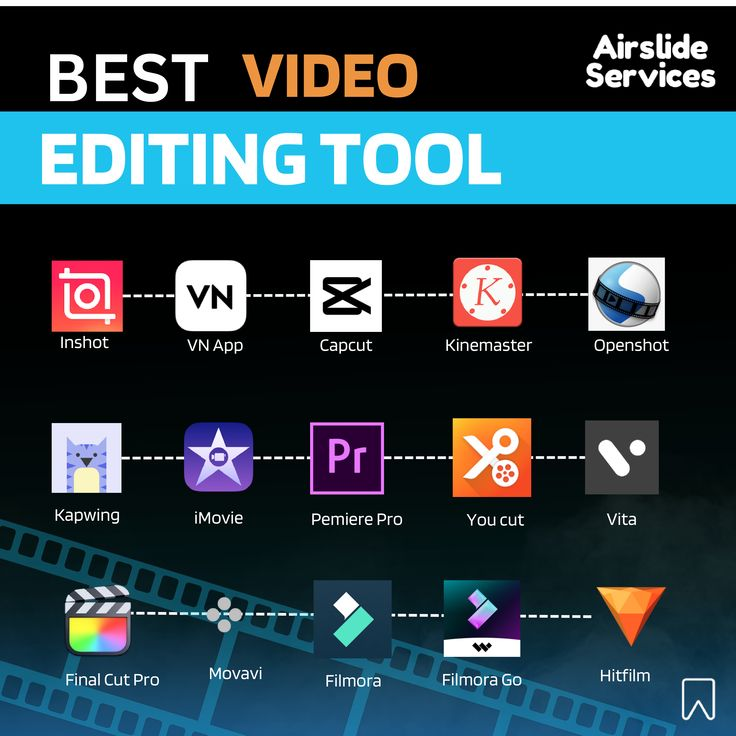
Free video editing software is ideal for students, beginners, and creators with limited budgets. These tools usually provide enough features for basic content creation and social media videos.
Most free tools support standard editing features like timeline editing, text overlays, transitions, and music addition. They are useful for learning editing basics and experimenting with creative content.
However, free software often comes with certain limitations. Some tools include watermarks, lower export quality, slower performance, or restricted advanced features. Large video projects may also become difficult to manage using free applications.
Paid Video Editing Tools
Paid editing software is built for professional creators, filmmakers, marketers, and businesses that require advanced editing capabilities. These tools usually provide better performance, high-quality exports, AI features, and more creative control.
Premium software often includes:
- Advanced effects and animations
- Faster rendering speeds
- Professional color grading
- Multi-camera editing
- AI automation features
- Better customer support
Although paid tools require investment, they help creators produce higher-quality content more efficiently.
Free vs Paid Video Editing Tools Comparison
| Feature | Free Video Editing Tools | Paid Video Editing Tools |
|---|---|---|
| Cost | Free to use | Requires payment |
| Features | Basic editing tools | Advanced professional tools |
| Export Quality | Medium quality | High-quality exports |
| Watermarks | May include watermarks | Usually watermark-free |
| Performance | Slower for large projects | Faster rendering and workflow |
| AI Features | Limited | Advanced AI support |
| Customer Support | Limited support | Dedicated support and updates |
Which Option Is Better?
The better option depends on your content goals and experience level. Beginners who create simple social media videos can start with free editing software because it provides enough features for learning and practice.
Paid software becomes more useful when creators start producing professional content, client projects, business videos, online courses, or long-form YouTube content. Advanced features and faster workflows help save time while improving video quality.
Creators should focus on choosing software that matches their actual needs instead of selecting expensive tools unnecessarily.
Benefits of Free Video Editing Tools
| Advantages | Benefits |
|---|---|
| No Cost | Perfect for beginners |
| Easy to Use | Simple learning process |
| Good for Practice | Helps improve editing skills |
| Accessible | Useful for students and casual creators |
Limitations of Free Video Editing Tools
| Limitations | Impact |
|---|---|
| Limited Features | Fewer professional options |
| Watermarks | Less professional appearance |
| Slower Performance | Large projects may lag |
| Lower Export Quality | Affects video clarity |
Why Paid Editing Tools Are Growing Rapidly
As online competition increases, creators now focus heavily on video quality and audience engagement. Professional editing software helps creators produce polished, visually attractive, and high-performing content.
AI-powered editing tools are also becoming more popular because they simplify workflows through automation, smart editing suggestions, subtitle generation, and faster rendering systems.
Many software companies now offer creator-friendly pricing plans, making premium editing tools more affordable in 2026.
Conclusion
Both free and paid video editing tools offer valuable benefits for creators in 2026. Free software is ideal for beginners, students, and casual creators who want to learn editing basics and create simple content without investment. Paid tools, however, provide advanced features, faster performance, AI-powered editing, and professional-quality results that are helpful for serious creators and businesses.
The best choice depends on your content goals, workflow requirements, and budget. Instead of choosing software only based on popularity or price, creators should focus on tools that improve productivity, simplify editing, and match their actual content needs. With the right editing software, creators can produce more engaging, high-quality, and professional videos successfully.