
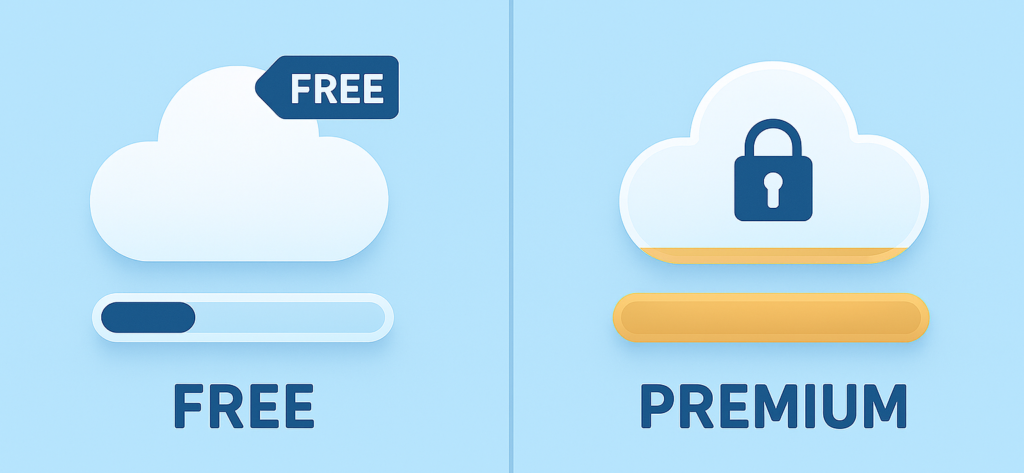
Cloud storage services have become an important part of modern digital life in 2026. People now use cloud platforms to store documents, photos, videos, business files, creative projects, and backups securely online. From students and freelancers to businesses and creators, almost everyone depends on cloud storage for better accessibility and file management.
One of the biggest questions users ask is whether free cloud storage is enough or if paid cloud storage services provide better value. The answer depends on storage needs, workflow requirements, security expectations, and budget.
Free cloud storage works well for basic personal use, while paid services are designed for users who require larger storage capacity, advanced security, faster performance, and professional collaboration features.
Why Cloud Storage Is Important
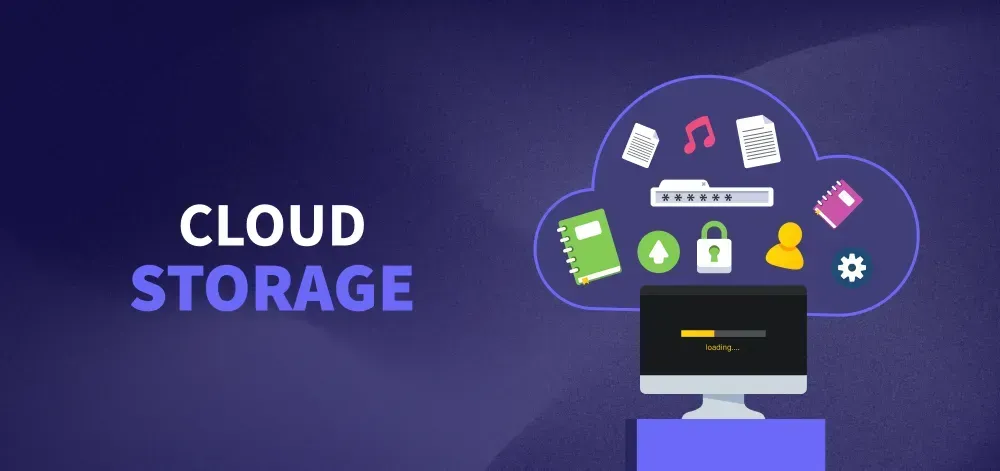
Modern workflows now depend heavily on remote access and online collaboration. Cloud storage allows users to access files from anywhere using multiple devices connected to the internet.
Cloud storage is commonly used for:
- File backups
- Document sharing
- Team collaboration
- Media storage
- Business workflow management
As remote work and online content creation continue growing, cloud storage services are becoming more essential than ever.
Free Cloud Storage Services
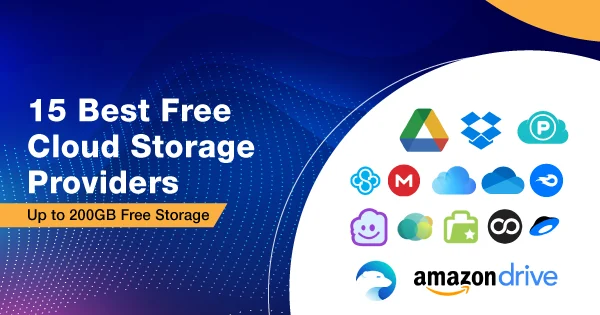
Free cloud storage plans are ideal for casual users, students, and beginners who need limited storage for personal files and basic backups. These services usually provide enough space for documents, photos, and small media files.
Most free platforms are easy to use and accessible across devices, making them useful for everyday file management. However, free plans often come with limitations related to storage capacity, security features, upload speeds, and collaboration tools.
Users who work with large files or require advanced privacy protection may eventually outgrow free storage plans.
Paid Cloud Storage Services
Paid cloud storage services are designed for professionals, businesses, creators, and users with advanced workflow needs. Premium plans provide larger storage space, better security, automatic backups, and improved collaboration features.
Paid services are especially useful for:
- Businesses managing sensitive data
- Remote teams collaborating online
- Video creators handling large files
- Professionals requiring secure backups
Although paid storage requires subscription costs, it often improves workflow efficiency and long-term file management significantly.
Free vs Paid Cloud Storage Comparison Table
| Feature | Free Cloud Storage | Paid Cloud Storage |
|---|---|---|
| Storage Capacity | Limited space | Large storage options |
| Cost | Free | Monthly or yearly payment |
| Security Features | Basic protection | Advanced security and encryption |
| Backup Support | Limited backup options | Automatic and advanced backups |
| Collaboration Features | Basic sharing tools | Professional team collaboration |
| Upload Speed | Standard performance | Faster syncing and uploads |
| Customer Support | Limited support | Dedicated support services |
Benefits of Free Cloud Storage
Main advantages include:
- No subscription cost
- Beginner-friendly usage
- Easy file access across devices
- Useful for basic storage needs
For many casual users, free cloud storage provides enough functionality for daily digital activities.
Free cloud storage is popular because it allows users to store files online without financial investment. It is especially helpful for personal documents, small backups, and simple file sharing.
Limitations of Free Cloud Storage
Although free plans are convenient, they also include certain restrictions. Storage limits are one of the biggest problems for users working with videos, design files, or large backups.
Users may also face:
- Limited storage space
- Basic security features
- Slower upload speeds
- Restricted collaboration tools
- Limited file recovery options
As digital storage needs grow, many users eventually upgrade to premium plans.
Benefits of Paid Cloud Storage
Paid cloud storage services provide stronger performance and advanced features for professional workflows. Businesses and creators often choose premium plans because they support large files, automatic backups, and better data protection.
Premium services commonly offer:
- Advanced security systems
- Larger storage capacity
- Faster file synchronization
- Better collaboration tools
- Reliable backup management
These features help improve productivity and simplify workflow management.
Challenges of Paid Cloud Storage
Despite offering many benefits, paid cloud storage also has some drawbacks. Monthly subscription costs can become expensive for users managing multiple services.
Other common challenges include:
- Ongoing subscription payments
- Dependence on internet access
- Privacy concerns related to online data
- Confusing pricing plans
- Compatibility issues across platforms
Choosing the wrong storage plan may also lead to unnecessary expenses.
Which Option Is Better?
The better option depends completely on the user’s needs.
Free Cloud Storage Is Best For:
- Students
- Casual users
- Personal file storage
- Small backups
- Basic document sharing
Paid Cloud Storage Is Best For:
- Businesses
- Professional creators
- Remote teams
- Large file storage
- Secure workflow management
Many users begin with free plans and later upgrade when their storage requirements increase.
Conclusion
Both free and paid cloud storage services offer useful advantages depending on workflow requirements and storage needs. Free cloud storage is ideal for basic personal use and small file management, while paid services provide advanced security, larger storage space, faster performance, and professional collaboration tools.
The best approach is to choose cloud storage based on actual needs instead of selecting plans only because they are popular or expensive. With the right cloud storage solution, users can manage files more efficiently, improve collaboration, protect important data, and simplify digital workflows in 2026.