
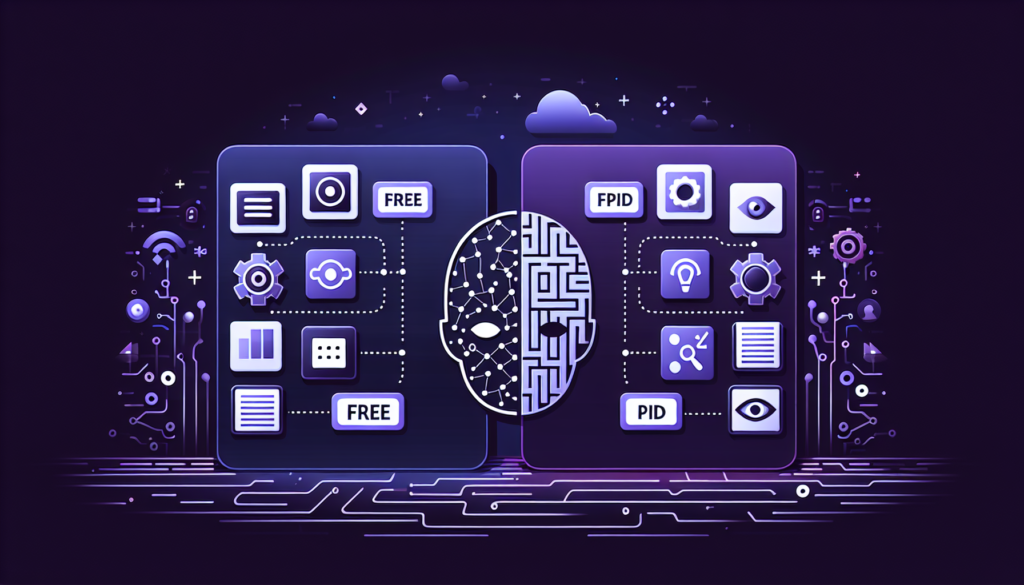
Digital tools have become an important part of modern businesses, content creation, education, and daily productivity. In 2026, companies and individuals rely heavily on software for tasks such as communication, marketing, design, automation, project management, and data analysis. One of the biggest decisions users face while choosing software is whether to use free tools or invest in premium versions.
Free tools are popular because they provide access to basic features without any cost. On the other hand, premium tools offer advanced features, better support, improved security, and higher performance through paid subscriptions. Both options have advantages and limitations, and the right choice often depends on business goals, budget, and workflow requirements.
Understanding the differences between free and premium tools can help users make smarter decisions and select software that matches their needs effectively.
Cost and Pricing Structure
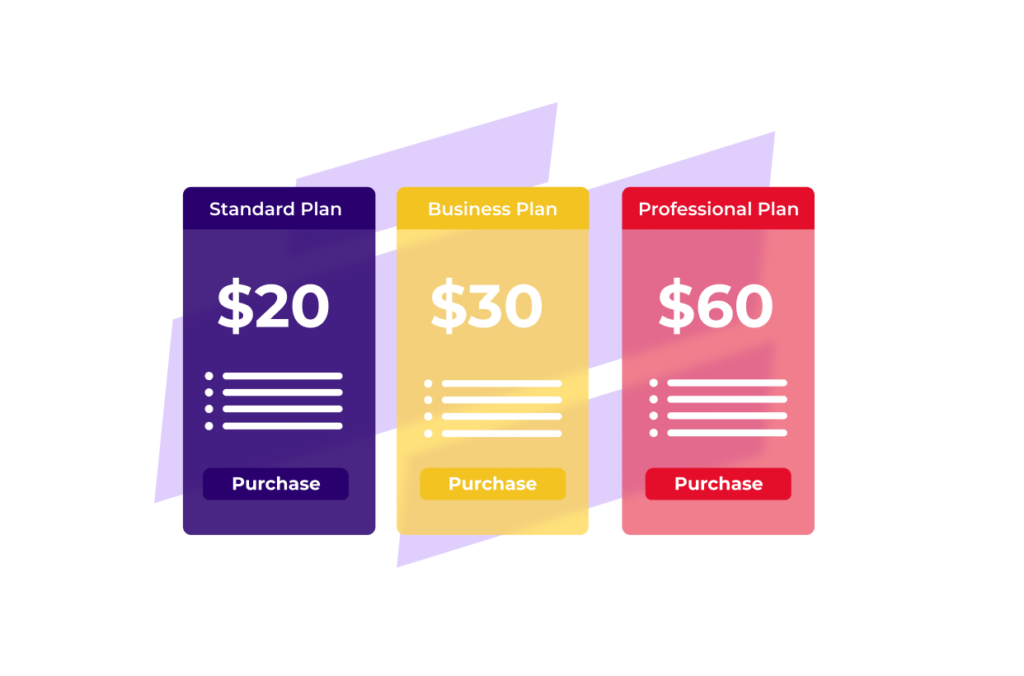
The most obvious difference between free and premium tools is pricing. Free tools allow users to access software without paying any subscription fee. These platforms are ideal for beginners, students, freelancers, and small startups with limited budgets.
Premium tools require monthly or yearly payments in exchange for advanced functionality and professional support. Many companies also offer lifetime plans, team packages, and enterprise solutions for larger businesses.
| Tool Type | Pricing Model |
|---|---|
| Free Tools | No cost or limited free access |
| Premium Tools | Monthly, yearly, or lifetime subscription |
Although free tools help save money initially, premium software often provides better long-term value for businesses that need advanced features and scalability.
Features and Functionality
Feature availability is one of the biggest differences between free and paid software. Free tools usually provide limited functionality designed for basic usage. They may include restrictions on storage, automation, analytics, exports, or collaboration options.
Premium tools offer advanced features such as:
- AI-powered automation
- Advanced analytics
- Cloud integrations
- Team collaboration systems
- Enhanced customization
- Automation workflows
For example, a free design platform may provide limited templates, while a premium version unlocks professional design assets, branding features, and export options.
Businesses that require professional workflows often choose premium tools because they improve productivity and operational efficiency.
User Experience and Performance
Premium tools generally provide a smoother and faster user experience compared to free software. Free platforms sometimes include advertisements, slower processing speeds, or feature limitations that affect productivity.
Paid software often includes:
| Premium Feature | User Benefit |
|---|---|
| Faster Performance | Better workflow efficiency |
| Ad-Free Experience | Less distraction |
| Cloud Syncing | Access across devices |
| Priority Updates | Improved stability |
| Better Interface Design | Easier navigation |
Premium platforms focus heavily on performance optimization because businesses depend on reliable software for daily operations.
Customer Support and Assistance

Customer support is another major area where premium tools differ from free platforms. Free software usually provides limited or community-based support through forums and help articles. Users may struggle to receive quick solutions for technical issues.
Premium software often includes:
- Live chat support
- Email assistance
- Dedicated account managers
- Technical troubleshooting
- Priority customer service
Businesses that rely heavily on software often prefer premium tools because faster support reduces downtime and improves workflow continuity.
Security and Data Protection
In 2026, cybersecurity and data privacy are extremely important for businesses and online users. Premium tools generally provide stronger security systems compared to free software platforms.
Paid tools often include:
- Advanced encryption systems
- Secure cloud backups
- Multi-factor authentication
- Data recovery options
- Better privacy controls
Free tools may provide basic protection, but they sometimes lack advanced security infrastructure. Businesses handling sensitive customer information often invest in premium software for stronger protection and compliance support.
Collaboration and Team Features
Modern businesses increasingly rely on collaboration tools for remote work and team management. Free software often limits the number of users or restricts collaboration features.
Premium tools usually provide:
| Collaboration Feature | Advantage |
|---|---|
| Multi-User Access | Better teamwork |
| Real-Time Editing | Faster collaboration |
| Shared Workspaces | Improved organization |
| Permission Controls | Better security |
| Team Analytics | Performance monitoring |
These advanced collaboration features help businesses manage teams more efficiently, especially in remote and hybrid work environments.
Automation and AI Capabilities

Artificial intelligence and automation have become major parts of modern software in 2026. Premium tools are more likely to include advanced AI systems and workflow automation features.
Premium automation tools can:
- Automate repetitive tasks
- Generate content suggestions
- Analyze customer behavior
- Improve workflow management
- Provide predictive insights
Free tools may include limited AI functionality, but advanced automation usually requires paid subscriptions.
Businesses looking to improve efficiency and save time often invest in premium AI-powered platforms.
Scalability and Business Growth

Scalability is important for businesses planning long-term growth. Free tools are often suitable for small projects and personal use, but they may become restrictive as operations expand.
Premium tools support business growth through:
- Larger storage capacity
- Advanced integrations
- Team expansion features
- Enterprise-level analytics
- Custom workflow management
As businesses grow, premium software provides the flexibility needed to handle larger workloads and more complex operations.
Limitations of Free Tools
Although free tools are useful for beginners, they often come with certain limitations that affect productivity and professional use.
Common free tool limitations include:
- Limited storage
- Restricted features
- Watermarked exports
- Ads and promotions
- Limited customer support
- Lower security protection
These restrictions may not affect casual users, but businesses often require more advanced capabilities for professional operations.
Choosing the Right Option

The decision between free and premium tools depends on individual needs and business goals. Beginners and small creators may benefit from free software while learning basic workflows. However, businesses and professionals handling larger projects often prefer premium tools because of better performance, automation, and support.
Users should consider:
- Budget and affordability
- Required features
- Team size and collaboration needs
- Security requirements
- Long-term scalability
Conclusion
Free and premium tools both play important roles in modern digital workflows. Free software provides accessible solutions for beginners, students, and small businesses, while premium tools offer advanced features, stronger security, automation, and professional support.
In 2026, businesses increasingly rely on premium software because of growing demands for AI automation, cloud collaboration, and advanced analytics. However, free tools still remain valuable for users with simple needs and limited budgets.
Understanding the key differences between free and premium tools helps users make smarter software decisions based on productivity goals, workflow requirements, and business growth plans.