
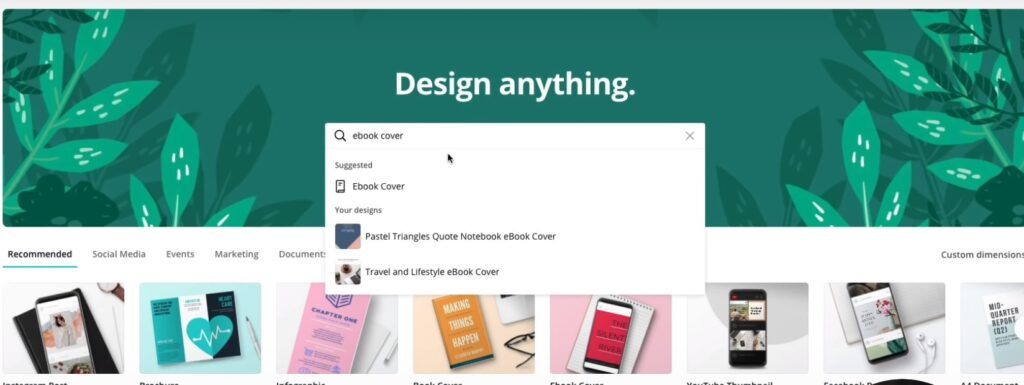
Canva has become one of the most popular graphic design platforms in the world because of its simple interface and powerful design tools. In 2026, millions of businesses, students, marketers, and content creators use Canva to create social media posts, presentations, posters, logos, videos, and marketing materials.
One of the biggest reasons behind Canva’s popularity is that it allows beginners and professionals to create attractive designs quickly without advanced technical skills. However, many users only use basic features and miss several powerful tools and shortcuts that can improve design quality and productivity.
Learning Canva tips and hacks can help users create more professional designs, save time, and improve creativity. Whether you are designing for social media, business branding, or personal projects, smart Canva techniques can make your work faster and more effective.
Use Canva Templates Smartly
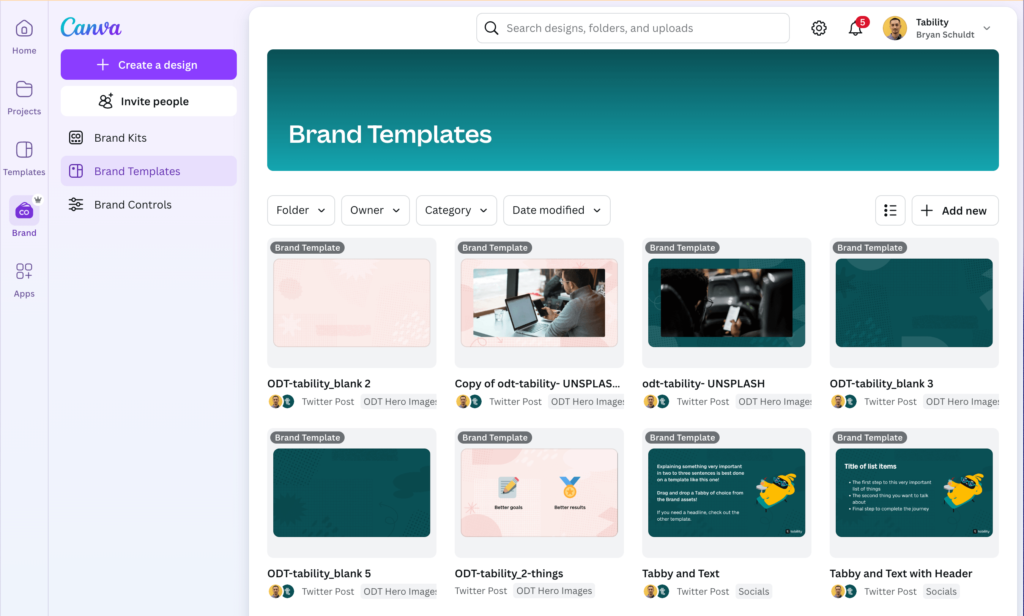
Canva provides thousands of ready-made templates for different design categories. These templates help users create professional graphics quickly without starting from scratch.
Instead of copying templates directly, users should customize fonts, colors, images, and layouts according to their brand style. Personalized designs look more unique and professional.
Templates are especially useful for social media content, presentations, YouTube thumbnails, business flyers, and marketing posts.
| Canva Template Type | Best Use |
|---|---|
| Social Media Templates | Instagram and Facebook posts |
| Presentation Templates | Business and education |
| Poster Templates | Promotions and events |
| Resume Templates | Professional CV designs |
Using templates properly saves time while maintaining high design quality.
Create Brand Kits for Consistency
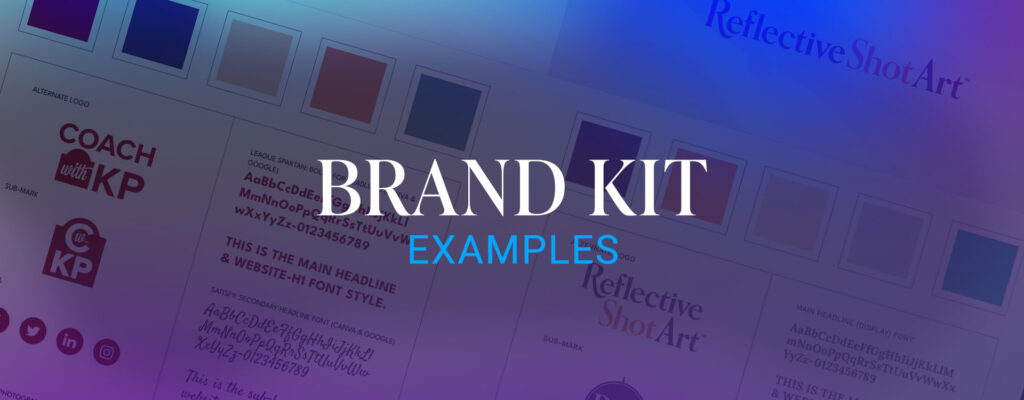
Brand consistency is important for businesses and content creators. Canva’s Brand Kit feature helps users maintain the same colors, fonts, and logos across all designs.
By setting brand elements once, users can quickly apply them to future projects. This creates a professional and recognizable visual identity.
Businesses especially benefit from brand kits because consistent designs improve branding and audience trust.
Using the same color palette and typography also makes content look more organized and visually appealing.
Use Canva Keyboard Shortcuts
Keyboard shortcuts help users design faster and improve workflow efficiency. Many Canva users are unaware of shortcuts that simplify editing tasks.
Useful Canva Shortcuts
- T → Add text quickly
- R → Insert rectangle shape
- C → Add circle shape
- Ctrl + D → Duplicate elements
These shortcuts reduce editing time and make the design process smoother.
Improve Designs with Grids and Alignment
Proper alignment is one of the most important parts of professional graphic design. Canva provides built-in grid and guideline features that help users maintain balanced layouts.
Using grids helps organize images, text, and elements more effectively. Clean alignment improves readability and creates visually attractive designs.
Avoid placing too many elements randomly because cluttered layouts reduce design quality.
Minimal and well-organized designs usually look more professional and modern.
Use High-Quality Images and Graphics
Visual quality plays a major role in creating attractive designs. Canva offers a large collection of stock photos, illustrations, icons, and graphics that improve creativity.
Users should avoid low-resolution or blurry images because they reduce professionalism. High-quality visuals make social media posts and marketing materials more engaging.
Canva also allows users to upload custom images and edit them using built-in tools.
Using relevant and visually appealing graphics increases audience attention and engagement.
Background Remover for Professional Editing
One of Canva’s most popular premium features is the Background Remover tool. This feature automatically removes image backgrounds in seconds.
Content creators and businesses use it for product images, thumbnails, promotional banners, and branding materials.
The tool saves editing time compared to manual background removal methods.
| Canva Feature | Benefit |
|---|---|
| Background Remover | Faster image editing |
| Magic Resize | Easy content resizing |
| Photo Filters | Improved visuals |
| Animation Tools | Interactive designs |
These features help users create professional-quality graphics more efficiently.
Use Canva Animation Features
Animated content performs better on social media because it attracts more attention compared to static images. Canva provides simple animation tools for text, images, and design elements.
Users can create animated presentations, Instagram stories, reels, and promotional content easily.
Animations should be smooth and minimal because excessive effects can make designs look unprofessional.
Motion graphics improve engagement and make content more interactive.
Organize Projects with Folders
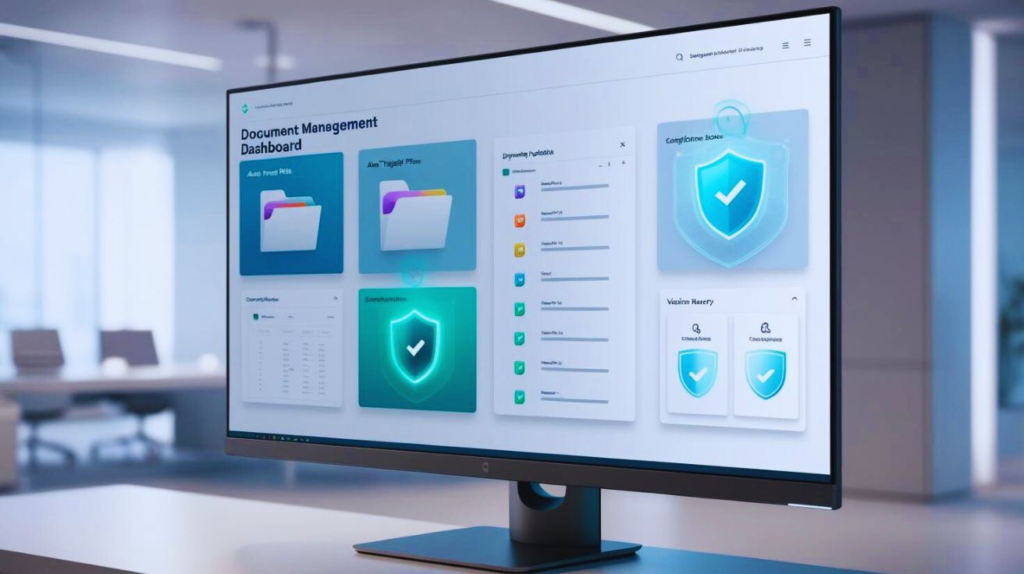
Managing multiple designs can become difficult without proper organization. Canva allows users to create folders for categorizing projects according to clients, campaigns, or content types.
Organized workspaces improve workflow management and save time while searching for files.
Businesses and content creators handling large amounts of design work benefit greatly from this feature.
Project organization also improves team collaboration and file accessibility.
Collaborate with Teams in Canva
Canva now supports real-time collaboration, allowing multiple users to work on the same design project simultaneously.
Teams can share feedback, edit content, and manage designs together without using separate software.
This feature is highly useful for businesses, marketing teams, and remote workers who need efficient design collaboration.
Cloud-based collaboration improves communication and speeds up project completion.
Use AI Features in Canva
Artificial intelligence is becoming an important part of Canva in 2026. AI-powered tools help users generate content ideas, create layouts, edit images, and automate design processes.
AI features improve productivity and help beginners create professional graphics quickly.
AI features improve productivity and help beginners create professional graphics quickly.
AI integration is making Canva faster, smarter, and easier to use.
Benefits of Canva for Designers
Canva offers several advantages for both beginners and professionals.
| Benefit | Impact |
|---|---|
| User-Friendly Interface | Easy learning |
| Ready-Made Templates | Faster design creation |
| Cloud Accessibility | Work from anywhere |
| Team Collaboration | Better workflow |
These benefits make Canva one of the most popular design platforms worldwide.
Common Canva Design Mistakes
Although Canva is simple to use, many users make mistakes that reduce design quality. Overusing fonts, adding too many elements, and using inconsistent colors can make designs look cluttered.
Users should focus on simplicity, readability, and proper spacing to create clean and professional visuals.
Maintaining visual balance is important for improving design effectiveness.
Future of Canva and Design Tools
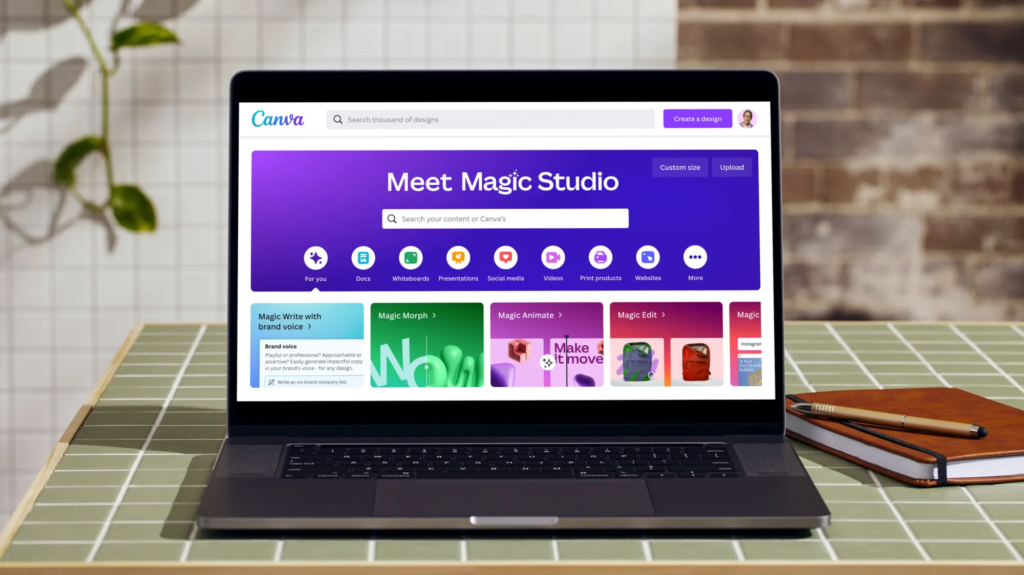
The future of Canva will focus more on AI-powered automation, smart design recommendations, and advanced collaboration features.
As content creation demand increases, Canva is expected to introduce more tools for video editing, animation, and branding.
Cloud-based and AI-driven design systems will continue transforming how people create digital content.
Modern design platforms will become faster, smarter, and more accessible for all users.
Conclusion
Canva has become one of the best design tools for creating professional graphics quickly and easily. Features like templates, brand kits, animation tools, collaboration systems, and AI-powered editing help users improve creativity and workflow efficiency.
By using smart Canva tips and hacks, users can create high-quality designs, save time, and improve productivity significantly. Proper alignment, consistent branding, quality visuals, and organized workflows are essential for better design results.
In 2026, Canva continues to evolve as a powerful and beginner-friendly platform for businesses, creators, marketers, and students worldwide.