
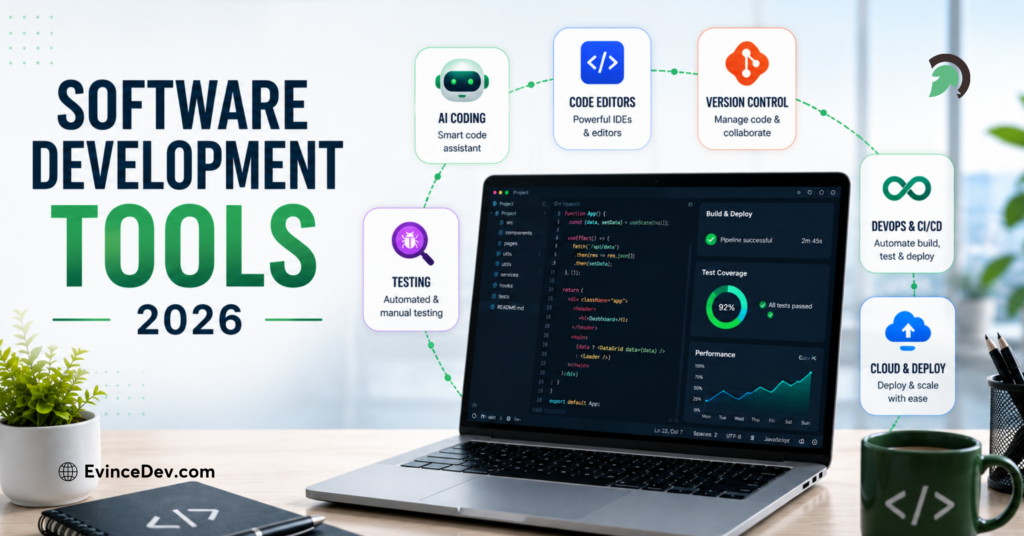
Let’s be real for a minute: we are all suffering from a bit of app fatigue. It feels like every single morning we wake up to a new AI platform launch, a redesigned productivity app, or yet another “game-changing” browser extension that promises to fix our lives. The digital landscape in 2026 is moving at a breakneck speed. From hyper-smart automation platforms to sleek collaborative workspaces and financial tools, new software is dropping constantly.
While having access to cutting-edge technology is exciting, trying to keep up with it can feel like a full-time job. Hundreds of new software releases and major feature overhauls land every single year. The challenge isn’t finding tools; it’s figuring out which ones are genuinely worth your time and hard-earned money versus the ones that are just shiny marketing hype.
This comprehensive guide breaks down what is actually happening in the world of software releases, the main tool categories you need to keep on your radar, and a human-first approach to building a digital setup that makes your life easier, not more complicated.
What Do We Actually Mean by “New Tool Releases”?
When we talk about the latest software releases, we aren’t just talking about brand-new startups launching out of nowhere. A “new release” generally falls into one of two buckets:
- Brand-New Launches: Completely new apps, platforms, or tools built from scratch to solve a specific problem using modern technology (like context-aware AI agents or micro-automation platforms).
- Major Overhauls & Feature Drops: Existing, established platforms releasing massive updates—think a complete interface redesign, deep native AI integrations, or total overhauls of how data syncs across your devices.
Modern tool releases are focused heavily on removing “friction.” Instead of making you click through seven different drop-down menus to finish a basic task, newer software is built to anticipate what you need next, automate the repetitive background work, and get out of your way so you can focus on actual deep work.
+---------------------------------------------------------------------------------------------------+
|                                  OLD SOFTWARE VS. MODERN 2026 TOOLS                               |
+-----------------------------------+---------------------------------------------------------------+
| Traditional Tools (Yesterday)     | Modern Digital Releases (2026)                                |
+-----------------------------------+---------------------------------------------------------------+
| Manual data entry & repetitive steps| Context-aware AI & background automation                    |
| Isolated apps that don't talk     | Native cross-platform integrations & instant sync             |
| Cluttered menus & hidden options  | Minimalist, conversational, & human-centric user interfaces   |
| Rigid, fixed workflows            | Highly customizable, modular workspace blocks                 |
+-----------------------------------+---------------------------------------------------------------+
Why Keeping an Eye on New Software Matters

Nobody wants to adopt new tech just for the sake of looking cool. The real reason to care about software releases is simple: saving your precious time.
We all spend way too many hours every week performing digital busywork—copy-pasting information between tabs, chasing down lost files, sending follow-up emails, or trying to format messy spreadsheets. The right platform can reclaim hours of your week by turning manual chores into one-click or fully automated routines.
- For Businesses: Modern tools translate directly to healthier profit margins, happier employees who aren’t drowning in admin work, smoother client communication, and seamless financial tracking.
- For Individuals: The right mix of apps can declutter your brain, help you stay organized, accelerate creative projects, and give you back free time to step away from your screen.
The Top Categories to Watch
Not all software is created equal. If you want to streamline your digital life without drowning in options, these are the key categories where the most exciting innovations are happening right now.
| Tool Category | What It Solves | Who Benefits Most | Key 2026 Shift |
| AI Assistants & Agents | Repetitive writing, research, coding, & data crunching | Everyone, from creators to developers | Moving from basic chatbots to autonomous background action |
| Productivity Apps | Scattered notes, messy calendars, & forgotten tasks | Busy professionals, students, & freelancers | Unified hubs combining notes, tasks, & calendar blocks |
| Project Management | Miscommunicated deadlines & chaotic team projects | Remote teams, agencies, & managers | Automated progress tracking & real-time workload balancing |
| Marketing Suites | Fragmented campaigns & manual content distribution | Growth teams, small businesses, & creators | Hyper-personalized content generation & predictive analytics |
| Design & Creative | Slow editing cycles & complex software learning curves | Designers, video editors, & marketers | Generative fills, instant layout tweaks, & auto-formatting |
| Finance Solutions | Missing receipts, messy invoices, & tax panic | Freelancers, founders, & household budgeters | Auto-categorized expenses, instant invoicing, & cash flow forecasts |
| Collaboration | Siloed communication & meeting fatigue | Hybrid companies & distributed teams | Async video updates, smart meeting summaries, & shared canvases |
1. Next-Gen AI Platforms
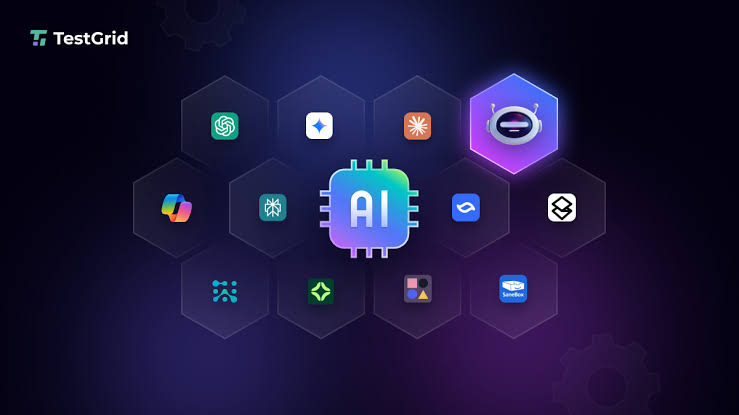
AI has officially grown up. We have moved far beyond basic chatbots that just write generic emails or answer trivia questions. Today’s AI tools are becoming deeply integrated digital co-workers. They sit quietly inside your workspace, reading context, summarizing long threads, pulling action items out of video calls, generating code snippets, and running multi-step background workflows while you focus on bigger strategy.
2. All-in-One Productivity Hubs
Remember when you needed one app for quick notes, another for your daily checklist, a third for long-form documents, and a fourth for your calendar? Modern productivity apps are violently smashing those silos apart. The latest releases combine your schedule, notes, projects, and reference materials into a single, unified workspace, stopping you from constantly switching tabs all day long.
3. Smart Project Management
Managing projects shouldn’t feel like babysitting a spreadsheet. The newest project management platforms use smart automation to assign tasks, update status boards, calculate realistic project timelines, and alert managers when a team member is getting dangerously close to burnout—all without forcing anyone to fill out lengthy status reports.
4. Marketing & Content Tools
Marketing in 2026 requires spinning a dozen plates at once—SEO, short-form video, newsletter copy, social media scheduling, and ad analytics. New marketing releases focus heavily on intelligence. They don’t just help you schedule posts; they analyze performance data across channels, tell you what’s working, and help you tweak your content strategy on the fly.
5. Fluid Creative Software
Design tools are no longer reserved solely for people who spent four years in art school learning complex keyboard shortcuts. Today’s creative releases offer powerful, drag-and-drop interfaces paired with AI assist features. Whether you need to edit a promo video, remove a background from a photo, or build an interactive presentation deck, modern creative platforms help you produce professional-grade visuals in minutes.
6. Frictionless Finance Platforms
Let’s face it: nobody gets excited about expense reports or invoice tracking. Luckily, new financial software makes managing money surprisingly painless. With automatic receipt snapping, smart tax-deduction tagging, instant digital invoicing, and real-time cash flow dashboards, these platforms take the panic out of business bookkeeping and personal budgeting.
7. Asynchronous Collaboration Tools
Zoom fatigue is real, and sitting in back-to-back meetings all day leaves zero time for actual work. The latest collaboration software prioritizes asynchronous communication. Think smart video messaging, collaborative digital whiteboards, and shared document canvases that allow global, distributed teams to build things together without needing to be online at the exact same hour.
How to Choose New Tools Without Losing Your Mind
Just because a tool is trending on social media doesn’t mean it deserves a place on your desktop. Before you sign up for another monthly subscription, run the app through this simple human checklist:
[Software Evaluation Checklist]

[ ] Is it easy to use? (Can you figure out the basics in under 10 minutes?)
[ ] Does it automate real friction? (Does it kill a task you genuinely hate doing?)
[ ] Does it play well with others? (Does it integrate natively with your current tools?)
[ ] Is it secure and private? (Does it protect your data and respect compliance?)
[ ] Does it scale easily? (Can it grow with you without breaking your budget?)
- Ease of Use Wins Every Time: If an app requires you to watch three hours of YouTube tutorials just to understand the home screen, you will eventually abandon it. Good software feels intuitive from minute one.
- Look for Native Integrations: A great tool shouldn’t live on an isolated island. It needs to plug directly into the software you already use every day—like your email, browser, or cloud storage—so data flows naturally without manual exporting.
- Don’t Cheap Out on Security: When you connect an app to your financial data, customer lists, or personal documents, security isn’t optional. Stick with software that clearly explains its encryption practices, data storage policies, and privacy controls.
- Mind the Price Tag: Watch out for sneaky pricing tiers! An app might look cheap at $5 a month, but if essential features are locked behind a $50 “Enterprise Plan,” you could end up facing serious subscription shock down the road.
How to Properly Test a Newly Released Tool
If you’re ready to test out a brand-new piece of software, don’t migrate your entire digital life over on day one. Take a measured approach to see if it actually delivers on its promises.
                    [ 4-STEP SOFTWARE TESTING ROADMAP ]

    [1. Pinpoint the Headache]  --->  [2. Run a Real-World Pilot]
                │                                    │
                ▼                                    ▼
    [3. Compare Against Old Tools] <--- [4. Check Community Feedback]
- Pinpoint the exact headache: Define the precise problem you want this app to solve. Are you trying to save two hours on weekly reporting? Are you trying to stop missing project deadlines?
- Run a small, real-world pilot: Use a free trial or starter plan to test the software on a single, low-risk project. Don’t test it with dummy data; use real work to see how it performs under pressure.
- Compare it directly against your current setup: Ask yourself honestly: Is this app significantly better than what I’m already using, or is it just different? If it doesn’t offer a noticeable upgrade in speed or ease, stick with what you know.
- Check community forums and user feedback: Take a quick look at user communities on Reddit, Product Hunt, or G2. Real user reviews will quickly highlight hidden bugs, poor customer support, or missing features that polished marketing landing pages won’t tell you about.
Where Software is Headed Next

As we look further into 2026 and beyond, software development is shifting away from static, rigid interfaces toward flexible, personalized environments. Instead of forcing human beings to adapt to how software works, software is finally adapting to how human beings naturally think and operate.
We are heading toward a world where you won’t need to hunt through endless nested menus or memorize complex formulas. Instead, you’ll simply talk to your tools using natural, plain-English instructions. You’ll ask your software to “organize last month’s sales receipts, highlight unusual expenses, and draft a summary email for the team”—and watch it happen automatically in seconds.
At the end of the day, technology should serve you, not the other way around. The goal of exploring new tool releases isn’t to accumulate as many apps as possible, but to assemble a tight, reliable digital toolkit that gives you back time, cuts down on stress, and lets you do your best work effortlessly.
Which area of your daily workflow feels the most clunky or time-consuming right now—managing tasks, keeping up with communication, or handling administrative busywork?