
Let’s be real for a minute: most of us end our workdays feeling like we’ve been running on a hamster wheel. You sit down in the morning with a hot cup of coffee and a grand plan to tackle the world, but before you know it, you’re drowning in forty open browser tabs, a buzzing smartphone, and an avalanche of Slack pings. By 5 PM, you’ve been busy all day, but somehow, nothing major actually got done.
The secret to taking back control of your day isn’t about working late into the night or downloading ten complicated new apps. It’s about building simple, sensible habits and clearing out the digital clutter so your brain can actually breathe and focus.
Here is a plain-English, real-talk guide to the essential productivity hacks and workspace tips that will buy you back your time and keep your stress levels in check.
Top Productivity Tricks: Small Changes, Massive Relief
You don’t need to completely overhaul your life overnight to feel a massive boost in your daily output. By making a few tiny tweaks to how you approach your computer screen and your clock, you can stop losing precious hours to invisible time sinks.
┌─────────────────────────────────────────────────────────┐
│               DAILY FOCUS & EFFICIENCY SETUP            │
├─────────────────────────┬───────────────────────────────┤
│ Core Technique          │ Real-World Benefit            │
│ Keyboard Shortcuts      │ Cuts out constant mouse clicks│
│ Time Blocking           │ Keeps your focus rock-solid   │
│ Strategic Micro-Breaks  │ Prevents the 3 PM brain crash │
│ Task Automation         │ Handles boring routine admin  │
└─────────────────────────┴───────────────────────────────┘
Get Friendly with Keyboard Shortcuts
If you are still reaching for your mouse or trackpad every single time you want to copy a line of text, open a tab, or undo a mistake, you are losing more time than you think. Learning universal shortcuts—like Ctrl+C / Cmd+C for copy, Ctrl+V / Cmd+V for paste, Ctrl+Z / Cmd+Z for undo, and Ctrl+T / Cmd+T to open a new tab—rapidly builds muscle memory. Once your fingers know what to do, navigating your computer feels effortless, keeping your hands moving and your train of thought completely uninterrupted.
Block Your Time and Protect Your Energy
Multitasking is a total lie. What your brain is actually doing when you try to juggle three things at once is jumping rapidly back and forth, leaving you feeling drained and unfocused. To fight this, practice time blocking. Pick a single assignment, set a timer for 25 to 50 minutes, and work exclusively on that one thing. Put your phone face-down, close your inbox, and tune out the world. You’ll be shocked at how quickly you can knock out tough projects when you aren’t constantly switching gears.
Take Short Breaks to Keep Your Brain Fresh
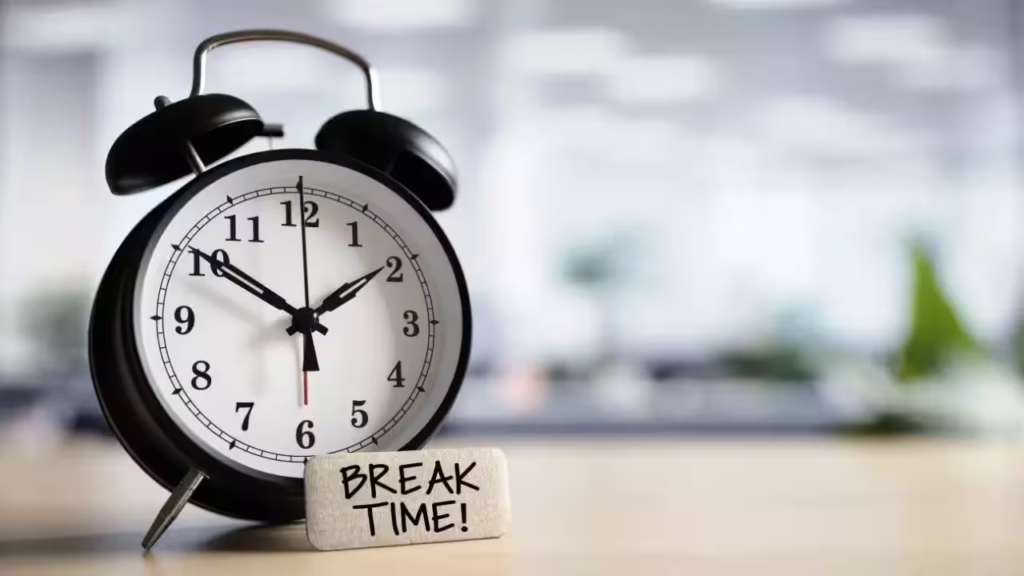
Powering through four hours of nonstop screen time might look like hard work, but it’s a fast track to brain fatigue and silly mistakes. Every time your focus timer goes off, step away from your desk for a mandatory 5-minute break. Get up, stretch, grab a glass of water, or step outside to give your eyes a rest from screen glare. These quick mental pit stops reset your energy so you can hit the ground running for the next session without crashing by mid-afternoon.
Put Boring, Repetitive Tasks on Autopilot
We all have those mind-numbing administrative chores that steal our enthusiasm—like filing routine emails, moving files around, or typing out the same reply for the hundredth time. Instead of doing them by hand every single day, let software do the heavy lifting. Setting up basic email filter rules, canned responses, and simple app integrations lets technology quietly handle your routine paperwork in the background while you focus on work that actually matters.
Write Down Your Daily Top Three Priorities
Opening a task manager with fifty items staring back at you is a guaranteed way to freeze up and end up procrastinating. Instead, start every single morning by picking your top three main tasks for the day—the big needle-movers that would make you feel accomplished if you got them done. Write them down on a sticky note, stick it right next to your screen, and tackle those first thing in the morning before getting sucked into reply-all email threads.
Digital Workspace Hacks: Clear the Clutter, Clear Your Mind
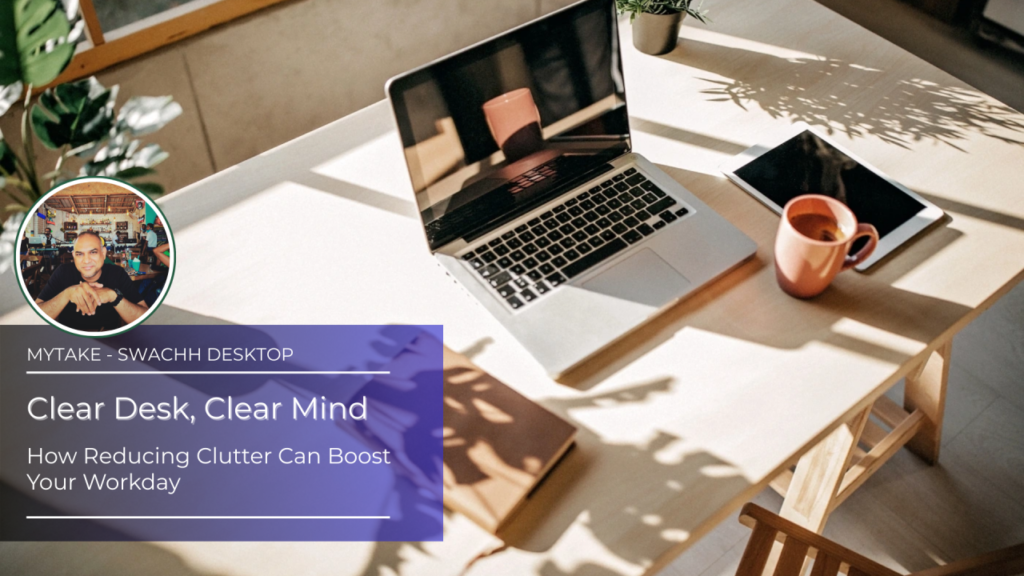
A messy screen leads directly to a messy head. When your virtual workspace is chaotic, your brain wastes energy looking for files, getting distracted by random alerts, and hunting down lost passwords.
┌─────────────────────────────────────────────────────────┐
│               DIGITAL WORKSPACE CLEANUP                 │
├─────────────────────────┬───────────────────────────────┤
│ Workspace Hack          │ Psychological Impact          │
│ Single-Folder Desktop   │ Removes instant visual noise  │
│ Muted Notifications     │ Stops constant interruptions  │
│ Centralized Note App    │ Gives you a reliable second brain│
│ Password Manager        │ Eliminates daily login stress │
└─────────────────────────┴───────────────────────────────┘
Hide Desktop Clutter for Instant Visual Peace
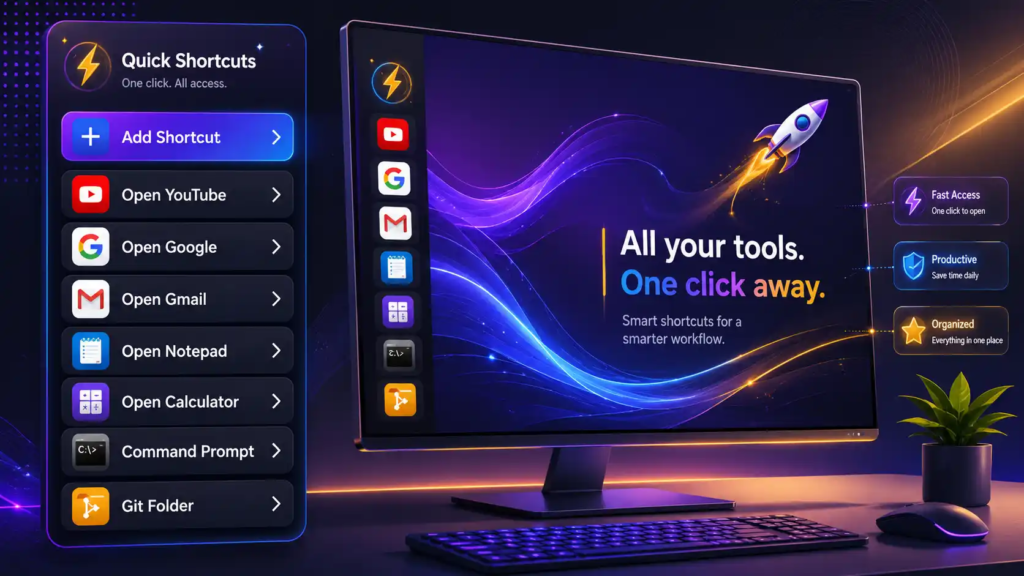
If your desktop screen looks like a messy carpet of random screenshots, PDFs, and loose documents, it’s giving you subtle background stress every time you look at it. Give yourself an instant fresh start with a quick trick: create a single folder named “Desktop Inbox” and drag every loose icon directly into it. Hiding all those extra files gives you a clean screen, and you can still find whatever you need in seconds using your computer’s built-in search bar.
Mute Notifications and Take Back Control
Every time a notification banner pops up or your phone buzzes, your brain gets yanked away from whatever you were doing. When you are sitting down to do deep, thoughtful work, turn off all pop-up alerts and sound triggers. Flip on Do Not Disturb mode on your phone and laptop. Don’t worry—the messages, emails, and comments will still be there waiting for you when you decide to check them on your own terms.
Stick to One Note App for Everything
How many times have you jotted down a great idea or an important phone number on a random scrap of paper, only to lose it five minutes later? Stop scattering your life across sticky notes, random text apps, and draft emails. Pick one single note app—whether it’s Apple Notes, Notion, or Google Keep—and make it your designated “second brain.” Keeping all your quick ideas, meeting notes, and lists in one single place means you’ll never have to hunt through desk drawers again.
Let a Password Manager Do the Remembering
Wasting ten minutes trying to guess a password—or getting locked out of an account right when you need to submit something—is an absolute mood killer. Relying on simple passwords or writing them in a physical notebook is both risky and frustrating. Using a trusted, secure password manager logs you into your favorite sites automatically and generates complex passwords for you, saving you time and taking a huge chunk of daily friction out of your computer routine.
Real-World Strategy Snapshot

Here’s a quick guide to help you decide which hacks to start with based on what’s bugging you most right now:
| Productivity Strategy | What It Fixes | Effort Level | Everyday Payoff |
| Keyboard Shortcuts | Slow mouse clicks and menu hunting | Very Easy | Saves 15–20 minutes of micro-delays a day |
| Time Blocking | Getting distracted and jumping around | Medium | Helps you finish big tasks in half the time |
| Muted Notifications | Being pulled in ten directions at once | Very Easy | Dramatically cuts down daily stress |
| Centralized Note App | Losing track of good ideas and lists | Easy | Keeps all your thoughts safe and searchable |
| Password Manager | “Incorrect password” headaches | Very Easy | Makes logging in smooth and instant |
Three Simple Habits to Start Today

You don’t have to change everything at once. Pick one or two of these simple habits to kickstart a much smoother daily rhythm:
- Run a 5-Minute Shutdown Routine: Before you close your laptop at the end of the day, clean up loose desktop files, close your extra browser tabs, and write down your top three tasks for tomorrow. It lets you switch off work mode and enjoy your evening without lingering anxiety.
- Save Low-Energy Tasks for the Afternoon Slump: Don’t waste your sharpest morning brainpower on easy chores. Save low-energy tasks—like clearing your inbox, organizing folders, or filing receipts—for the post-lunch dip when your energy naturally drops.
- Declutter Your Tools Every Few Months: Don’t hoard software just because it looks cool. Every once in a while, delete apps and browser extensions you haven’t touched in a month to keep your system fast, clean, and distraction-free.
By focusing on smart time blocks, quiet screens, and organized digital spaces, you can stop stressing over your to-do list and start making steady, meaningful progress every single day.