
Running a business, managing client projects, or creating SaaS Deals content in 2026 relies heavily on software. From keeping track of project deadlines to running email campaigns, designing graphics, and collaborating remotely, there is practically a SaaS app for every single micro-task on your to-do list.
The main problem? Subscription fatigue is very real, and those $15, $29, and $49 monthly fees quietly drain your bank account.
Before you know it, you’re dropping hundreds of dollars every month on software you barely open. That is exactly why hunting down legitimate SaaS deals, lifetime offers, annual discounts, and extended free trials isn’t just about saving a quick buck—it’s about building a sustainable, budget-smart workflow.
Decoding SaaS Deals: What Are You Actually Buying?
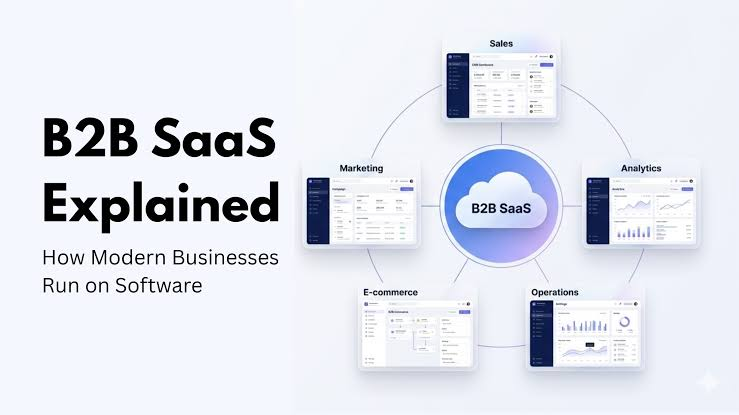
SaaS (Software as a Service) simply means you rent software over the internet instead of buying a physical CD-ROM or downloading a massive desktop file once. A good SaaS deal lowers the cost of that digital rent.
Offers typically come in a few common flavors:
- Lifetime Deals (LTDs): Pay a single, upfront flat fee and get access to the tool forever (or for the lifetime of the product).
- Annual Plan Discounts: Lock in a 15% to 40% discount by paying for twelve months upfront instead of month-to-month.
- Promotional / Introductory Rates: Get a heavily discounted monthly price for your first 3 to 6 months before the regular pricing kicks in.
- Extended Free Trials: Test full-featured pro plans for 30 to 60 days without getting charged right away.
The Real-Life SaaS Savings Matrix
To make sense of how different deal models fit into actual real-world scenarios, here is a quick breakdown of how to evaluate them:
| Deal Type | Best Used For… | Hidden Trap to Avoid | The Human Verdict |
| Lifetime Deal (LTD) | Early-stage tools, simple utilities, solo founders. | Company going out of business or capping vital features later. | Goldmine for utilities; risky for core infrastructure. |
| Annual Billing | Core tools you use daily (e.g., Slack, Notion, Canva). | Getting locked into a tool your team abandons in month two. | Smartest move for software you already rely on. |
| Freemium Tier | Testing workflows, light individual tasks, low volume. | Sudden feature paywalls right when you start growing. | Ideal for testing the waters before spending a dime. |
| Promo Coupons | Short-term projects, campaign-specific tools. | Forgetting to cancel before the regular high rate hits. | Great for one-off tasks—just set a calendar reminder. |
Lifetime Deals: Hype vs. Reality

Lifetime deals are hugely popular on platforms like AppSumo, and it’s easy to see why. The idea of paying $59 once instead of $20 every single month sounds like a no-brainer.
However, you need to approach lifetime deals with a healthy dose of realism:
- Check the feature caps: Most lifetime deals use a “tier” system. Tier 1 might only give you 5,000 credits or 1 user seat, which means you’ll have to stack multiple codes to get what you actually need.
- Understand “Lifetime” means the product’s life: If the startup behind the tool goes under in eighteen months, your lifetime access goes away with it.
- Best categories for LTDs: Single-purpose tools like image background removers, basic form builders, video recorders, and simple invoice generators are great LTD bets. Core infrastructure like primary email servers or database management? Stick with established players.
Free Trials and Freemium: Try Before You Buy
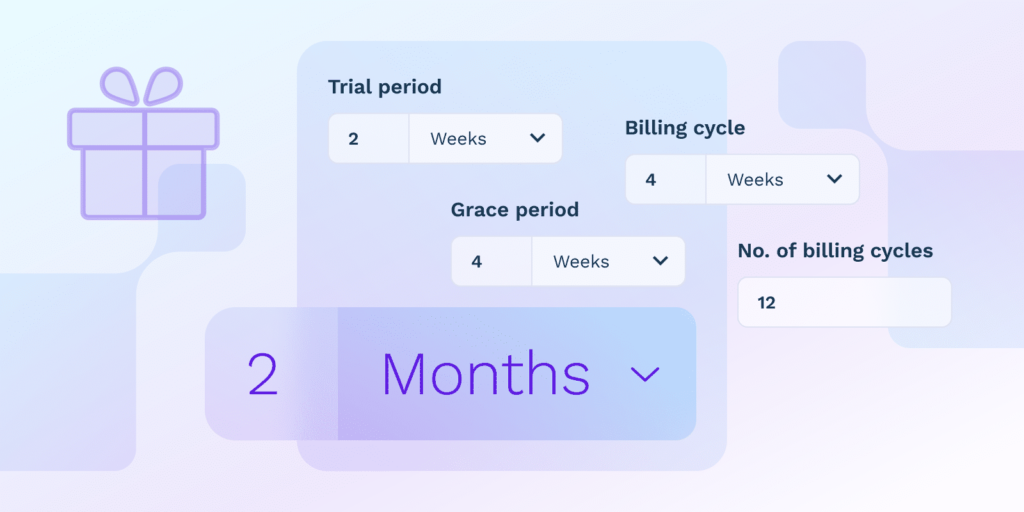
Never buy software sight unseen. A slick landing page and shiny demo videos can easily mask a clunky, frustrating user interface.
- Look for no-credit-card trials: The best companies let you test their platform without forcing you to hand over your credit card upfront.
- Do a real trial run: Don’t just click around for five minutes. Import actual sample data, invite a teammate, and test a real workflow to see if the app actually saves you time.
- Set a cancellation alarm: If a trial does require a credit card, set a reminder on your phone for two days before the renewal date so you don’t get hit with an accidental charge.
Building a Lean SaaS Stack (Without the Bloat)
The single biggest mistake small teams and freelancers make is collecting software like Pokemon cards. Having four different task managers and three AI writing tools doesn’t make you productive—it just makes you confused.
Stick to a lean, core tech stack:
- Communication & Collaboration: One primary hub (e.g., Slack or Teams).
- Project Management: One place where work gets tracked (e.g., Trello, Asana, or Notion).
- Storage & Documents: One cloud home (e.g., Google Workspace or Microsoft 365).
- Specialized Utility: 2 to 3 niche tools specific to your trade (e.g., Figma for design, Ahrefs for SEO, Quickbooks for accounting).
Three Golden Rules Before Hitting “Buy”
Before you punch in your credit card details for a newly discovered software discount, ask yourself these three simple questions:
- Does this solve an immediate problem? If you’re buying a tool for a project you might start six months from now, pass on it.
- Will my team actually use it? The prettiest software in the world is completely useless if your team refuses to leave their old spreadsheets.
- Does it integrate with what I already use? If a new app doesn’t talk to your existing stack, you’ll end up wasting hours manually copy-pasting data back and forth.

Tool Deals & Offers 2026: Discover Top Tools at Better Prices
Digital tools have become an important part of everyday work. Tool Deals & Offers Whether…
Free vs. Paid Tools 2026: Which Tools Are Worth It?
From productivity apps and design software to AI platforms, writing Free vs. Paid Tools assistants,…
Best Tool Deals 2026: Software Discounts & Special Offers
Software has become a daily necessity for work, study, business, Tool Deals content creation, design,…

SaaS Deals 2026: Best Software Discounts, Offers & Lifetime Deals
Running a business, managing client projects, or creating SaaS Deals content in 2026 relies heavily…

Best Tool Tips & Hacks in 2026 to Work Smarter
Let’s be honest: most of us spend Best Tool Tips our workdays performing digital acrobatics…
Stop Paying: 15 Free Tools You Should Try in 2026
Before we dive into the deep details, here is the cheat sheet. This is Free…
Frequently Asked Questions
Q: Are lifetime SaaS deals actually safe to buy?
A: Yes, but stick to reputable deal marketplaces that offer 60-day money-back guarantees. Treat LTDs as calculated investments—if the tool saves you money over 6 months, it has usually paid for itself even if the company pivots later.
Q: Is annual billing always better than monthly?
A: Only for tools you’ve already tested and used consistently for at least 30 days. Never buy an annual plan for a brand-new tool you haven’t thoroughly vetted in your daily workflow.
Q: How do I stop paying for unused software subscriptions?
A: Do a quarterly audit of your credit card and bank statements. Highlight every recurring software charge, check user login activity, and immediately cancel anything that hasn’t been opened in the last 30 days.
Q: What should I do if a software company removes features from my deal tier?
A: Check the terms of service from your original purchase. Reach out directly to their support team with your receipt—most founders will honor original grandfathered features to avoid negative community reviews.