

In today’s digital world, tools and applications help Free vs. Paid Tools people work smarter, learn faster, create content, manage projects, and simplify everyday tasks. From AI-powered writing assistants and graphic design platforms to productivity software and business applications, there are countless solutions available online. However, one important question often comes up before choosing a platform: should you use a free tool or invest in a paid subscription?
The answer depends on your goals, budget, and how frequently you use the tool. Free tools are excellent for beginners, students, freelancers, and individuals who want to explore new features without spending money. Paid tools, on the other hand, often provide advanced capabilities, higher usage limits, specialised features, and additional support that can benefit users with more demanding requirements.
As AI and digital technologies continue to evolve in 2026, understanding the differences between free and paid tools has become increasingly important. Many platforms now use a freemium model, offering basic features at no cost while reserving advanced functionality for subscribers.
Whether you need software for content creation, business operations, education, marketing, or personal productivity, comparing the available options can help you make a smarter decision. The goal is not simply to choose the cheapest option but to find a tool that delivers the right balance of functionality, convenience, and value.
What Are Free Tools?
Free tools are digital applications, software platforms, or online services that users can access without paying a subscription or purchase fee. They may offer essential features for writing, designing, file conversion, communication, research, and task management.
Some free tools are completely free to use, while others provide a limited version of a larger paid product. These limitations may include restricted usage, fewer features, advertisements, storage limits, or reduced access to advanced functionality.
For example, a student might use a free graphic design platform to create a presentation, while a content creator could use a free AI writing assistant to brainstorm ideas or prepare an outline.
Key Advantages of Free Tools
- No initial investment: Start using a tool without paying a subscription fee.
- Beginner-friendly access: Explore features before committing financially.
- Budget management: Reduce software expenses for personal or small projects.
- Easy experimentation: Test different platforms to discover what works best.
- Useful basic functionality: Complete many everyday tasks without advanced features.
Free tools are particularly useful when you are learning a new skill or working on a project with limited requirements. However, it is important to check the terms of use, privacy policies, and commercial-use restrictions before relying on a free service for important work.
What Are Paid Tools?
Paid tools are applications or services that require payment to access certain features or use the platform. Depending on the provider, payments may involve monthly subscriptions, annual plans, one-time purchases, or usage-based charges.
These tools often target users who need advanced capabilities, larger usage limits, professional workflows, or additional control over their work.
For instance, a professional designer may choose a paid design platform for premium templates, advanced editing options, brand management, and collaboration features. Similarly, a business may invest in paid project management software to coordinate teams and manage complex projects.
Key Advantages of Paid Tools
- Advanced features: Access functionality unavailable in free plans.
- Higher usage limits: Complete more tasks or process larger workloads.
- Professional workflows: Use specialised features for demanding projects.
- Team collaboration: Access shared workspaces and administrative controls where offered.
- Dedicated support: Receive additional assistance on plans that include it.
- Greater customisation: Configure certain tools to suit specific requirements.
Paid tools can be valuable when their additional features save time, improve work quality, or solve problems that free alternatives cannot handle efficiently. However, a higher price does not automatically guarantee better results.
Free vs. Paid Tools: Key Differences
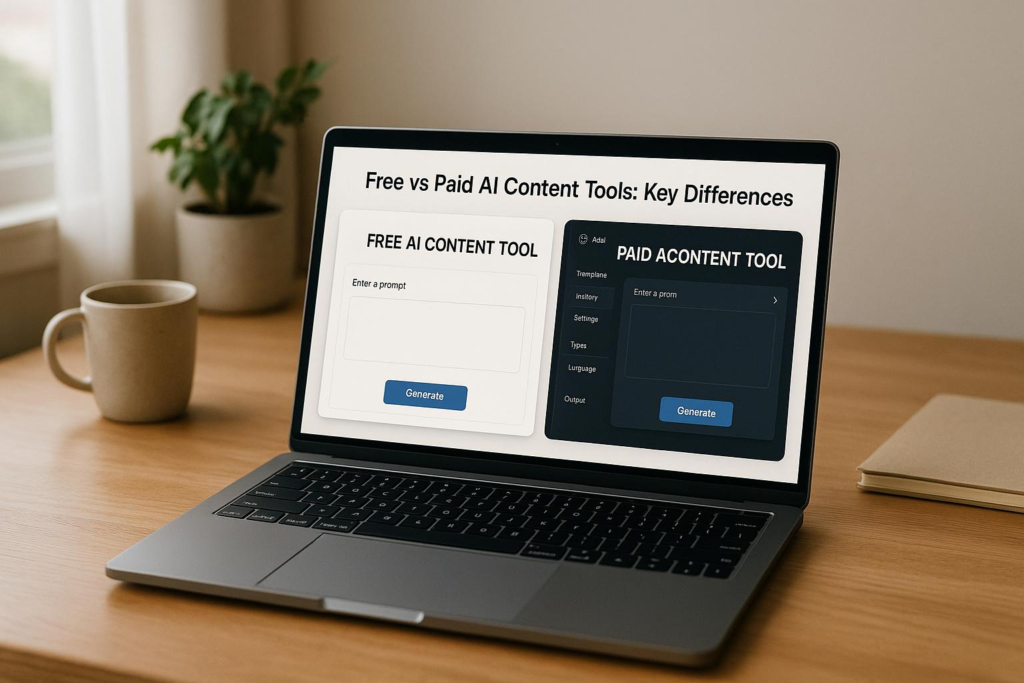
Understanding the main differences between free and paid tools can help you compare options before making a decision.
| Feature | Free Tools | Paid Tools |
|---|---|---|
| Cost | No usage fee for the included free offering | Subscription, purchase, or usage-based fees |
| Features | Usually basic or limited | Often includes advanced capabilities |
| Usage Limits | May have restrictions | Often provides higher limits |
| Advertisements | May include ads, depending on the platform | Often fewer or no ads, depending on the plan |
| Customer Support | May offer self-service or community support | May include priority or dedicated support |
| Collaboration | Basic sharing may be available | May offer advanced team features |
| Storage | May have limited storage | May provide additional capacity |
| Customisation | Often more limited | May offer more configuration options |
| Best For | Beginners and occasional users | Frequent users and specialised workflows |
Important: These are general patterns, not universal rules. Some free tools are powerful enough for professional work, while some paid plans offer only modest improvements over their free alternatives. Always compare the actual features included in each plan.
Popular Categories of Free and Paid Tools

Different tools serve different purposes, so the best pricing model depends on the task you want to complete.
1. AI Writing and Research Tools
AI writing assistants can help users brainstorm ideas, summarise information, draft content, and organise research.
Free plans are useful for exploring AI capabilities and handling occasional tasks. Paid plans may offer higher usage limits, additional models, advanced functionality, or access to specialised features.
Examples include ChatGPT, Google Gemini, and other AI-assisted writing and research platforms.
2. Graphic Design Tools
Design platforms help users create social media posts, presentations, banners, marketing materials, and other visual content.
Free plans often provide templates and essential editing features. Paid plans may add premium assets, brand kits, background removal, advanced collaboration, and additional design resources.
3. Productivity and Project Management Tools
Productivity software helps individuals and teams organise tasks, manage deadlines, collaborate, and track progress.
Free options may be sufficient for personal projects or small teams. Paid versions may provide automation, advanced reporting, administrative controls, and expanded collaboration capabilities.
4. Video Editing and Content Creation Tools
Video editing platforms allow creators to produce tutorials, short-form videos, advertisements, and educational content.
Free versions can be ideal for beginners, while paid subscriptions may provide advanced effects, larger asset libraries, enhanced export options, or additional editing features.
5. Business and Marketing Tools
Businesses use software for email marketing, analytics, customer relationship management, website creation, and campaign management.
Free plans can help small businesses get started. Paid plans may become useful as customer numbers, campaign complexity, or reporting requirements increase.
How to Compare Free and Paid Tools Effectively
Before choosing a tool, focus on what you need it to accomplish rather than its popularity or price.
Step 1: Identify Your Requirements
Start by listing the tasks you want to complete. For example, a blogger may need keyword research, content planning, writing assistance, and image editing. A student may only need document creation and study support.
Knowing your requirements helps you avoid paying for features you will rarely use.
Step 2: Test the Free Version
Whenever possible, try the free version first. Explore its interface, check the available features, and determine whether it can handle your typical workload.
This is particularly useful for AI tools, design applications, and productivity platforms because their practical value depends on your individual workflow.
Step 3: Review Usage Limits
Some free tools restrict the number of requests, exports, projects, or files you can process. If you regularly reach these limits, a paid plan may offer better convenience.
However, if you use a tool only a few times each month, the free version may be perfectly adequate.
Step 4: Compare Total Costs
Subscription prices are only one part of the overall cost. Consider renewal rates, annual commitments, additional usage fees, team licences, and optional add-ons.
| Comparison Factor | Questions to Ask |
|---|---|
| Monthly Cost | Can I comfortably afford the subscription? |
| Annual Cost | Is an annual plan cheaper, and does it require a long commitment? |
| Feature Value | Will I actually use the premium features? |
| Time Savings | How much repetitive work could the tool reduce? |
| Alternatives | Can another tool meet my needs at a lower cost? |
| Cancellation | Can I cancel or downgrade easily? |
Step 5: Evaluate Privacy and Security
Never assume that paid software is automatically safer than free software. Review how the provider handles your data, what privacy controls are available, and whether the service meets your disorganization security requirements.
For business use, also consider access controls, data retention, account management, and any applicable compliance requirements.
Best Free and Paid Tools for Different Users
The ideal option depends on your experience, budget, and workload.
| User Type | Start With | Consider Paying When |
|---|---|---|
| Students | Free study and writing tools | Advanced features or higher limits become necessary |
| Bloggers | Free research and writing tools | Publishing volume increases significantly |
| Content Creators | Free design and video tools | Premium assets or advanced exports are needed |
| Freelancers | Free project and productivity tools | Client work requires specialised features |
| Small Businesses | Free marketing and management tools | Customer volume or reporting needs grow |
| Large Teams | Free trials or entry-level plans | Administration, security, and collaboration needs demand more |
For example, a beginner creating occasional social media posts may not need a premium design subscription. A marketing professional producing content for multiple brands may benefit from paid brand management and collaboration features.
The right decision depends on whether the paid features solve a real problem.
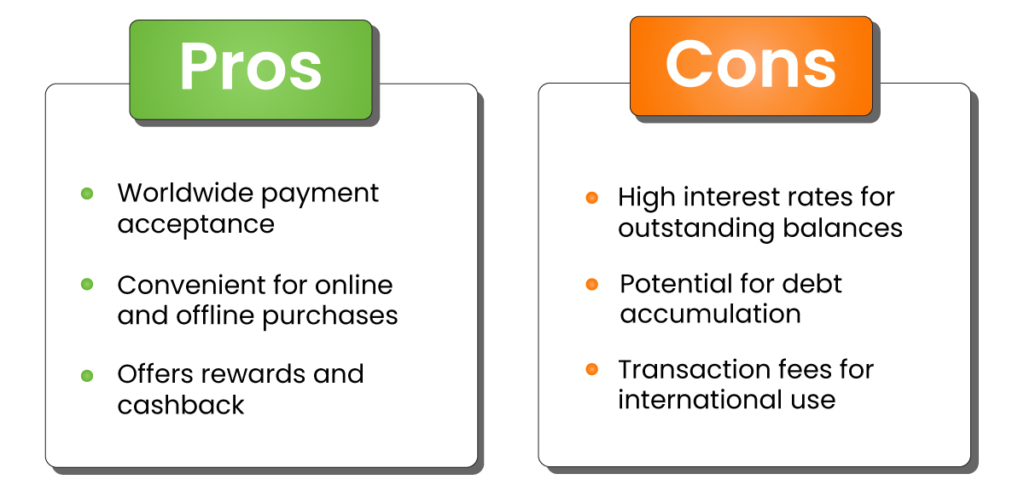
Benefits and Limitations of Each Option
When Free Tools Are the Better Choice
Free tools are an excellent starting point when you are experimenting with software, learning new skills, or completing straightforward tasks.
They are especially helpful for students, hobbyists, independent creators, and individuals who want to minimise recurring expenses.
Choose free tools when:
- You use the software occasionally.
- Essential features meet your requirements.
- You are still exploring different platforms.
- Your project has a limited budget.
- You do not regularly encounter usage restrictions.
When Paid Tools Are Worth the Investment
Paid tools become more attractive when you rely on software daily or need capabilities that are unavailable in the free version.
For professionals, even a modest subscription can be worthwhile if it reduces repetitive work, improves output, or helps manage a growing workload.
Consider paid tools when:
- You consistently reach free usage limits.
- Advanced features are necessary for your work.
- Collaboration and team management are important.
- The tool saves measurable time.
- Its benefits justify the recurring cost.
The Role of Freemium Tools in 2026
Freemium software combines free access with optional paid upgrades. This model has become common across AI applications, design platforms, productivity software, and online business services.
Users can begin with essential features and upgrade when their requirements change. This reduces the initial barrier to entry and allows people to evaluate a product before spending money.
For example, an AI tool might provide a limited number of requests for free, while a premium subscription offers higher limits and additional capabilities. A design platform might provide free templates while reserving certain assets and brand features for subscribers.
However, freemium models can change over time. Features that were once free may become restricted, and usage limits may vary by region or account type.
Smart tip: Before building an important workflow around a free service, check its current terms, export options, and available alternatives. This can help prevent unexpected disruptions if the pricing model changes.
Frequently Asked Questions (FAQs)
1. Are free tools better than paid tools?
Neither option is automatically better. Free tools are suitable for many basic tasks, while paid tools may offer additional features for more demanding workflows.
2. Can free AI tools be used for professional work?
Yes, depending on the tool’s terms, output quality, privacy practices, and commercial-use permissions. Always verify the relevant conditions.
3. When should I upgrade to a paid tool?
Consider upgrading when you regularly reach usage limits, need essential premium features, or can justify the cost through improved efficiency.
4. Do paid tools always provide better results?
No. Results depend on the tool, task, user skill, and available features. Some free tools can perform exceptionally well for specific purposes.
5. What is a freemium tool?
A freemium tool offers basic functionality at no cost while charging for optional premium features, expanded usage, or additional services.