

Every month, a sneaky $10 charge here and a $25 renewal there hit your bank statement, and before you realize it, your collection of productivity, design, AI, and business apps is costing more than your monthly utility bills.
Software subscriptions add up fast. The silver lining is that you almost never have to pay full price. Companies constantly run promotions, student tiers, annual discounts, seasonal blowouts, and hidden lifetime deals to win over new users.
However, getting a great deal requires more than just picking the largest percentage off. A 70% discount on a tool you never open is still money wasted. True savings come from buying software that directly solves an everyday problem without inflating your budget long-term.
Here is your practical, no-nonsense roadmap to navigating software deals, locking in real savings, and keeping your digital stack lean and affordable.
Why Tracking Software Deals Actually Matters

Software companies rely heavily on impulse upgrades. They set up countdown timers, throw around massive discount banners, and offer flashy initial rates to get your credit card on file.
Smart buyers treat software purchases like a investments:
- Utility over cost: A small 15% discount on a tool you use every single day gives you vastly more ROI than a “90% off” clearance tool sitting idle on your desktop.
- The hidden auto-renew trap: A lot of promotional pricing drops off after year one. If you aren’t paying attention, that $5/month intro offer quietly morphs into a $30/month bill next year.
- Feature lockouts: Lower promotional tiers often strip out critical features like API access, team collaboration, or advanced AI usage credits. Always read the plan comparison line by line.
Taking five minutes to vet a platform before clicking buy will save you hundreds of dollars in forgotten renewals down the road.
1. Navigating AI Tool Pricing and Promotions
AI software spans everything from long-form writing assistants and automated video editors to complex coding copilots. Because compute power costs real money, AI platforms rely heavily on subscription and usage-based token models. Paying top dollar for every new tool that launches isn’t realistic.
What to look for:
- Introductory token packs & credits: Look for platforms offering generous initial compute credits so you can stress-test accuracy before upgrading.
- Freemium tiers with monthly resets: Many platforms refresh basic credits every 30 days, which is often plenty for casual users.
- Annual plan discounts: Moving from monthly to annual billing for a primary AI tool usually trims 20% to 35% off the overall cost.
- Extended free trials: Keep an eye out for founder codes or promotional trial links that double standard 7-day trials to 14 or 30 days.
Rule of thumb: Never subscribe to multiple AI tools in the same category at once. Test the base features on free tiers, pick the one tool that fits your natural workflow best, and pay for that single upgrade.
2. Finding Real Productivity Software Discounts
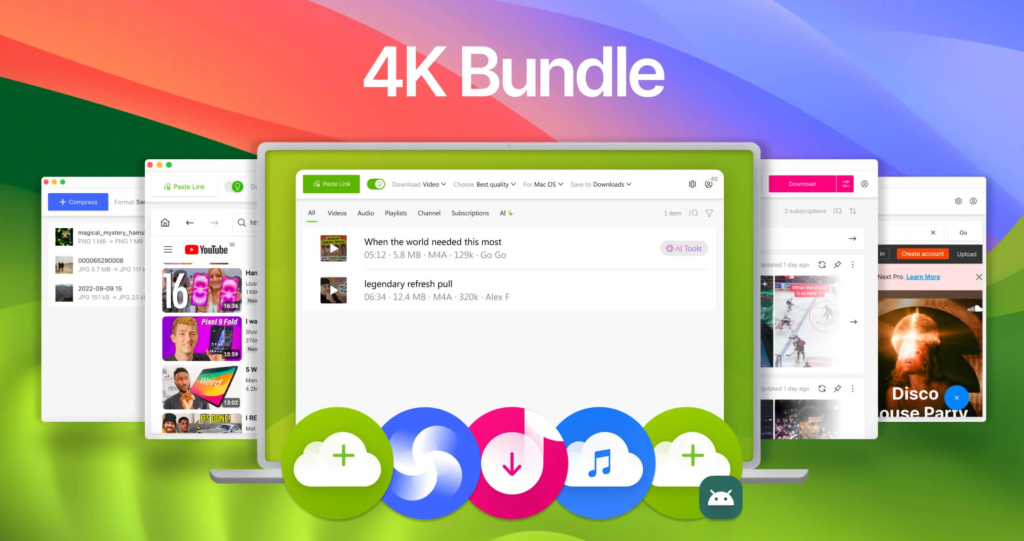
Productivity apps—like project managers, note-taking systems, calendar schedulers, and team hubs—are built to lock you in for the long haul once your data is inside.
- Annual vs. Monthly Math: Annual plans almost always lower the baseline monthly rate. However, only commit to annual billing if you’ve actively used the free version for at least two weeks and know it works for you.
- Educational & Non-Profit Rates: Many workspace tools offer deep, unadvertised discounts (sometimes up to 50% or completely free upgrades) for students, educators, and registered non-profits.
3. Making the Most of Free Trials (Without Getting Charged)
Free trials give you hands-on access to test user experience, speed, and real-world usefulness without financial risk.
- Check the credit card requirement: “No credit card required” trials are completely safe. If a trial does require payment details, set a calendar reminder for 48 hours before the trial ends so you have a buffer to cancel.
- Cancel immediately after signing up: On most major platforms, canceling your trial on day one stops the auto-renewal while still allowing you to use the premium features until the trial period officially expires.
4. Lifetime Deals: Big Value or Hidden Risk?
Marketplaces like AppSumo regularly feature “Lifetime Deals” (LTDs), where you pay a single upfront cost—say $49 or $79—for permanent access instead of paying a monthly fee.
| The Good | The Bad |
| Eliminates recurring monthly bills entirely. | “Lifetime” means the lifetime of the product, not your lifetime. |
| Great for freelancers and small teams building out a tech stack on a budget. | Early-stage tools can occasionally shut down or stop updating. |
| Offers high potential ROI if you use the app for a year or more. | Higher-tier features, AI credits, or add-ons might require extra payments. |
Pro Tip: Always check the money-back guarantee window (usually 30 to 60 days). Put the tool through rigorous real-world testing immediately upon buying so you can request a hassle-free refund if it doesn’t perform up to par.
5. Leveraging Student, Teacher, and Educator Discounts
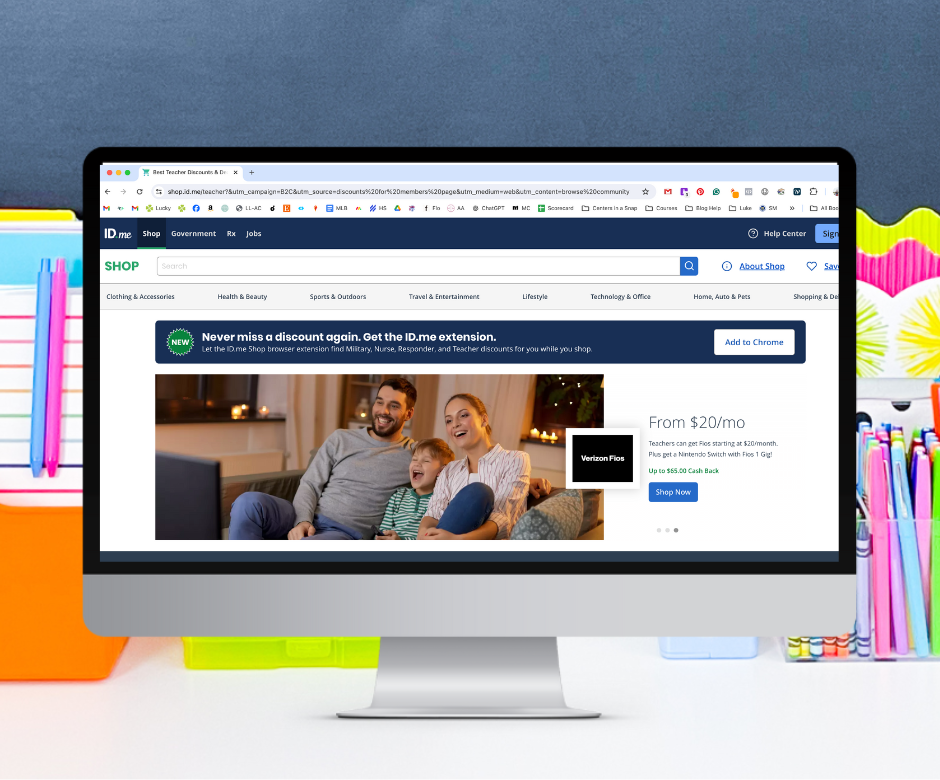
If you have access to an .edu email address or valid student identification, you are sitting on significant software savings.
- Creative & Design Suites: Major software providers cut prices by 50% to 70% for students and faculty members.
- Developer Packs: Platforms offer massive student bundles containing thousands of dollars in free cloud hosting credits, domain registrations, and developer tools.
- Verification: Most apps route verification through services like SheerID or UNiDAYS. Keep your student ID or current semester transcript handy to clear verification quickly.
6. Capitalizing on Seasonal Sales Events
Software companies participate heavily in major retail discount events throughout the year:
- Black Friday & Cyber Monday (November): Hands down the best time of year to grab software. Discounts regularly range from 40% to 80% off annual plans or first-year subscriptions.
- Back-to-School (August – September): Excellent for productivity apps, writing tools, and educational software.
- New Year & Quarter 1: SaaS vendors push heavily for fresh user signups with “New Year, New Workflow” discounts and extended trial offers.
7. SaaS Bundles and Software Ecosystems
Instead of buying single-purpose tools from five different software companies, look into software bundles or suite-based platforms.
- All-in-One Suites: Platforms that package document editing, cloud storage, team messaging, and meeting apps under one roof are almost always cheaper than stitching together separate subscriptions.
- Curated Partner Bundles: Keep an eye out for limited-time founder bundles where complementary non-competing tools package their software together at a fraction of the combined price.
- Evaluate real usage: Before buying a 10-tool bundle, make sure you actually need at least 3 or 4 of the tools. Otherwise, buying a single standalone app is still cheaper.
8. Free vs. Paid: When Should You Actually Upgrade?
You might not need to pay for software at all. Free software tiers have become incredibly feature-rich, and upgrading is often completely optional.
       ┌─────────────────────────────────────────────────────────┐
       │             DO YOU NEED TO UPGRADE?                     │
       └───────────────────────────┬─────────────────────────────┘
                                   │
                   Is this tool for personal use or work?
                                   │
           ┌───────────────────────┴───────────────────────┐
           ▼                                               ▼
     [ Personal / Casual ]                           [ Core Business ]
           │                                               │
   Are free limits stopping                         Do missing features
     your weekly work?                                cost you hours/money?
     ┌─────┴─────┐                                   ┌─────┴─────┐
     ▼           ▼                                   ▼           ▼
   ( No )      ( Yes )                             ( No )      ( Yes )
     │           │                                   │           │
     ▼           ▼                                   ▼           ▼
  [ Stay ]    [ Upgrade ]                         [ Stay ]    [ Upgrade ]
  [ Free ]    [ Plan    ]                         [ Free ]    [ Plan    ]
Stick to the Free Plan if:
- You are a casual or personal user working on lightweight projects.
- You don’t need team collaboration or shared workspace permissions.
- Basic storage, monthly export caps, or minor watermarks don’t impact your workflow.
Upgrade to Paid if:
- You are hitting hard usage caps every single month.
- You need advanced automation, custom branding, or administrative security controls.
- The time saved by paying for premium features directly generates more revenue than the subscription costs.
Software Bargain Matcher by User Profile
Students
- Best Strategy: Edu discounts, student developer packs, free base tiers.
- Target Savings: 50% – 100% off standard market rates.
Freelancers & Solopreneurs
- Best Strategy: Lifetime marketplace deals, annual plan discounts, lightweight SaaS bundles.
- Target Savings: One-time payments to replace recurring monthly overhead.
Content Creators & Marketers
- Best Strategy: AI intro credits, annual creative suites, Black Friday promotional bundles.
- Target Savings: 30% – 60% off core production tools.
Small Business Owners
- Best Strategy: Multi-seat team discounts, all-in-one business software suites, usage-based scaling.
- Target Savings: Reduced per-seat monthly costs and bundled app consolidation.
How to Find Hidden Deals Step-by-Step
Finding an active deal rarely takes more than a few intentional steps:
- Check the Official Pricing Page: Don’t just look at the default monthly tab. Toggle over to “Billed Annually” to see the instant drop in price.
- Search for hidden coupon codes: Before hitting checkout, search for
[App Name] discount codeor[App Name] promo deal. Look for partner coupon codes from YouTube reviews or industry blog posts. - Use Live Chat Support: Open the sales chat bubble on the company’s website and simply ask: “Do you have any current promotional discounts or startup codes available for new users?” Sales representatives frequently have discretionary 10% to 20% discount codes they can share right on the spot.
- Trigger an abandoned cart discount: Create an account, add an annual plan to your cart, and navigate away from the site without purchasing. Many SaaS companies send an automated follow-up email 24 to 48 hours later offering a discount to complete your purchase.
Your Pre-Purchase Deal-Checker Checklist
Before entering your credit card details for any new software, run through this quick checklist:
- [ ] Need vs. Want: Did I actively search for a solution to a real problem, or did I just fall for an attractive discount ad?
- [ ] Price Reality: What will this tool cost me annually after the initial promotional rate expires?
- [ ] Usage Restrictions: Does this specific tier restrict user seats, monthly AI generations, storage, or critical integrations?
- [ ] Cancellation Policy: Can I easily cancel my subscription online with one click, or does the company force me to jump through customer support loops?
- [ ] Free Alternatives: Have I tested the leading open-source or completely free alternative first?

Tool Deals & Offers 2026: Discover Top Tools at Better Prices
Digital tools have become an important part of everyday work. Tool Deals & Offers Whether…
Free vs. Paid Tools 2026: Which Tools Are Worth It?
From productivity apps and design software to AI platforms, writing Free vs. Paid Tools assistants,…
Best Tool Deals 2026: Software Discounts & Special Offers
Software has become a daily necessity for work, study, business, Tool Deals content creation, design,…

SaaS Deals 2026: Best Software Discounts, Offers & Lifetime Deals
Running a business, managing client projects, or creating SaaS Deals content in 2026 relies heavily…

Best Tool Tips & Hacks in 2026 to Work Smarter
Let’s be honest: most of us spend Best Tool Tips our workdays performing digital acrobatics…

Stop Paying: 15 Free Tools You Should Try in 2026
Before we dive into the deep details, here is the cheat sheet. This is Free…